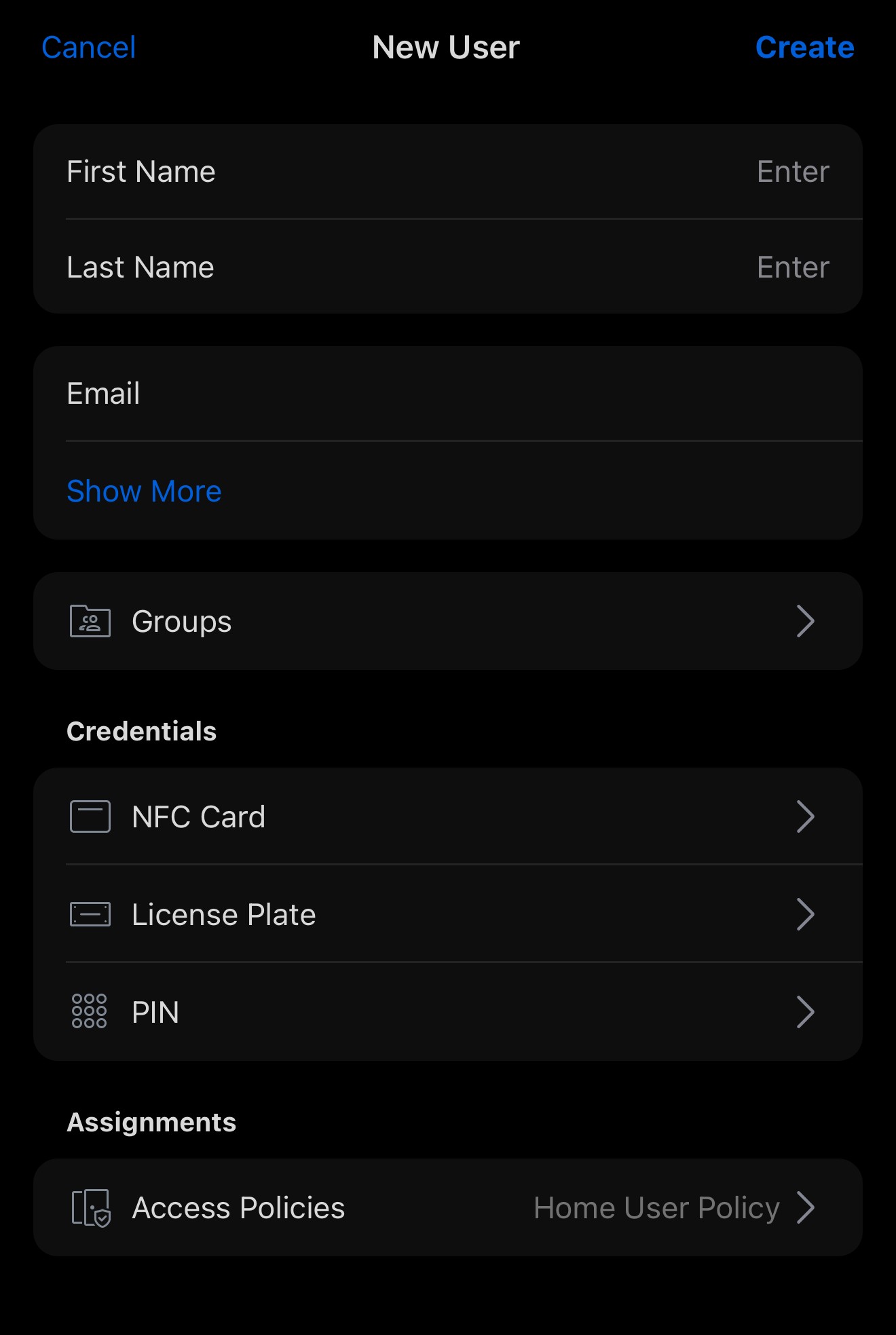
Creating A New User
With the Access App open, navigate to the users tab as shown below:
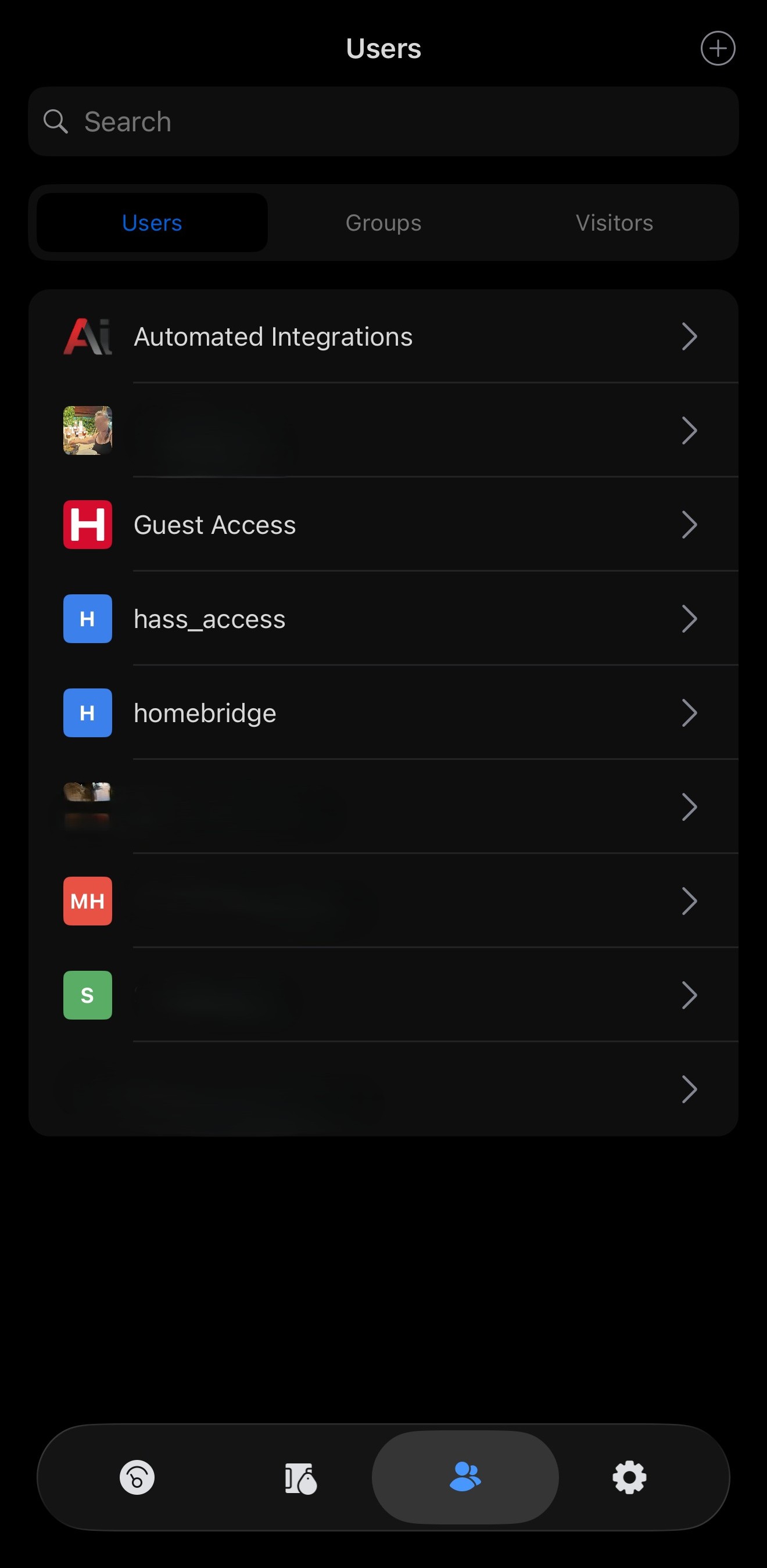
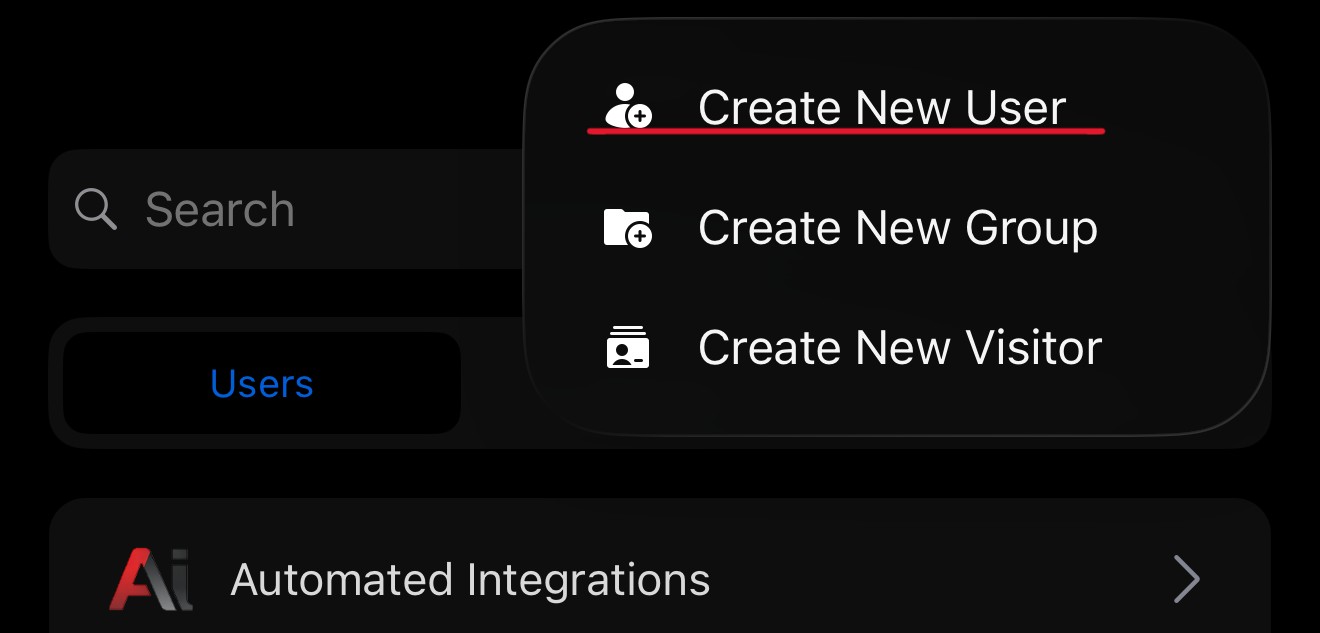
At the top right of the page you will see a small + icon in a circle, if you click this you will be presented with a popup asking what you would like to create, in this case we will create a new User
Once selected you will need to fill in the following information for a succesful user creation,