
Modifying An Existing User
From the Users Tab, select the user in question.
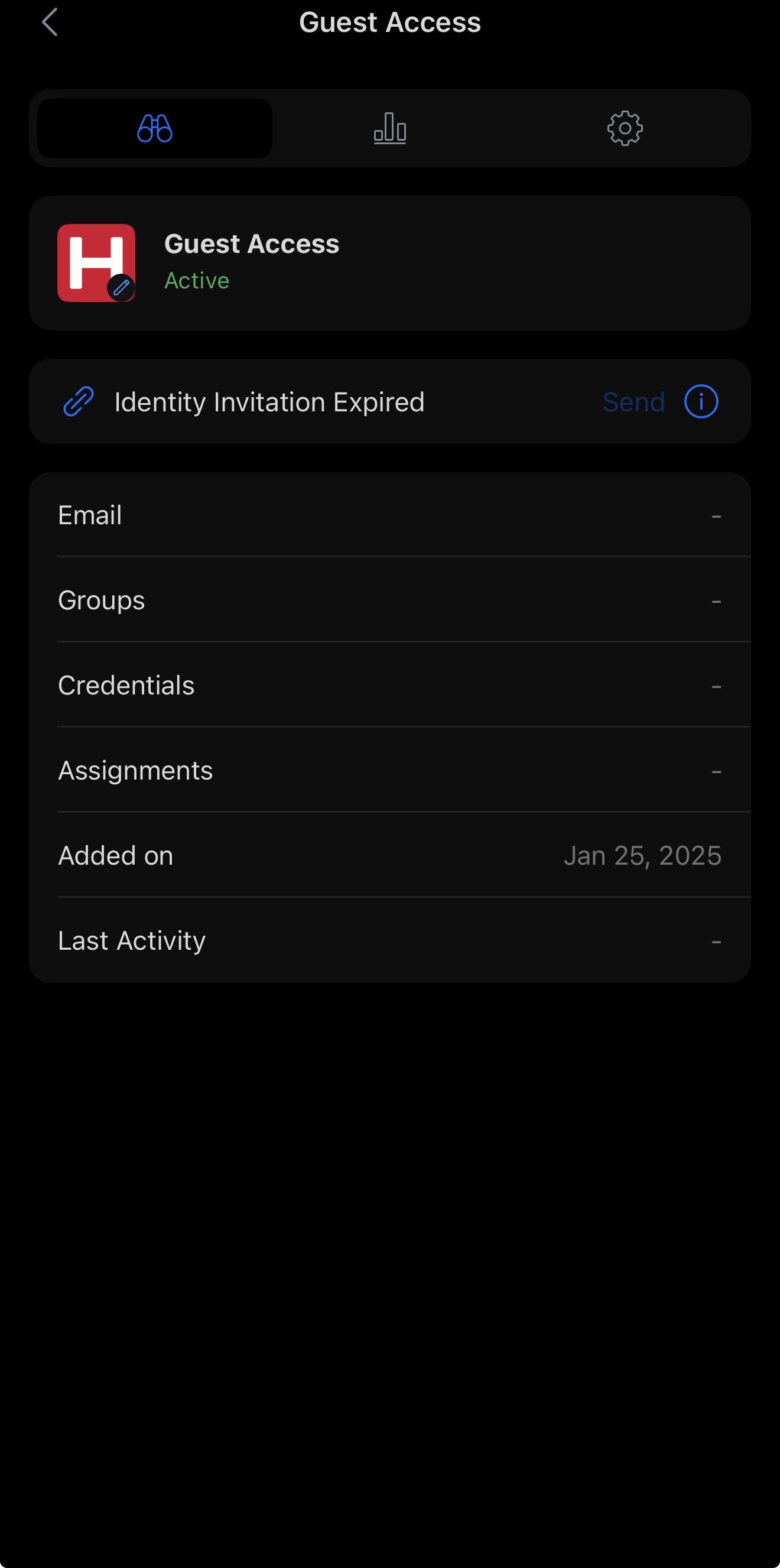
By selecting the user, you will be presented with a summary of their profile. To manage the user, navigate to the settings page by clicking the cog icon in the top-right corner of the page. This will open the settings for that user.
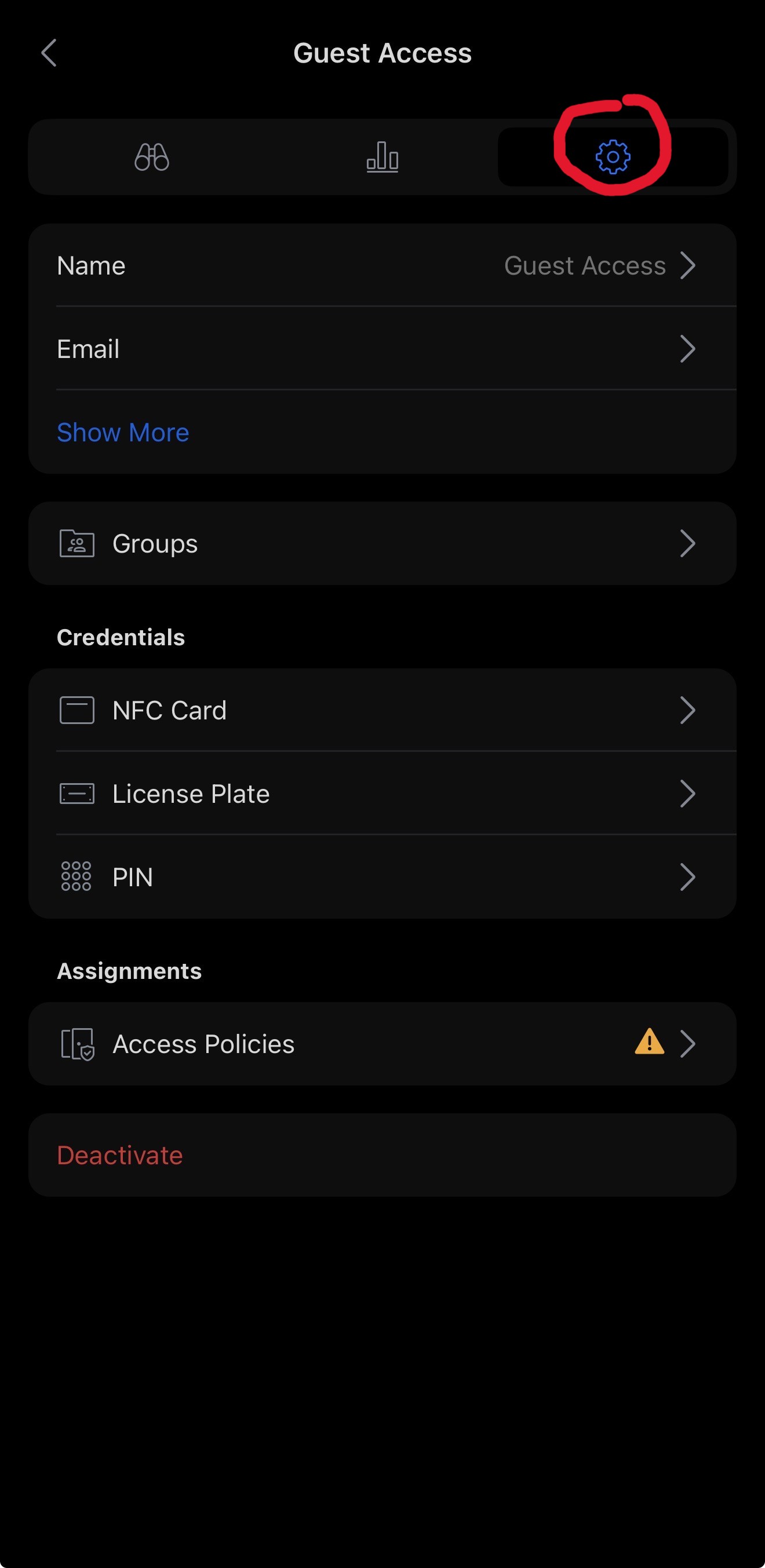
Here you can edit the user’s existing information, including authentication methods and basic profile details.
No comments to display
No comments to display