
Removing / Deactivating A User
From the Users Tab, select the user in question.
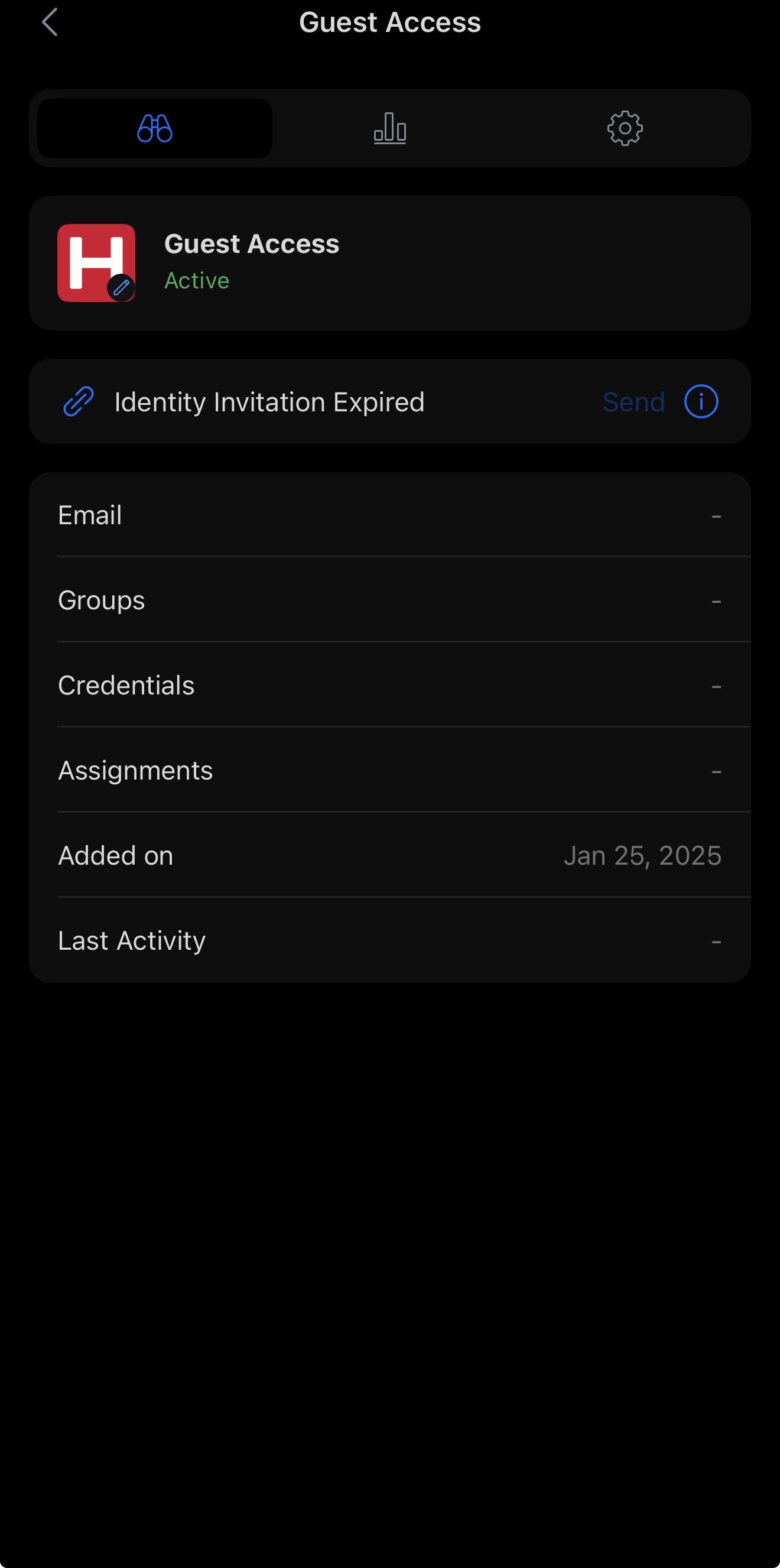
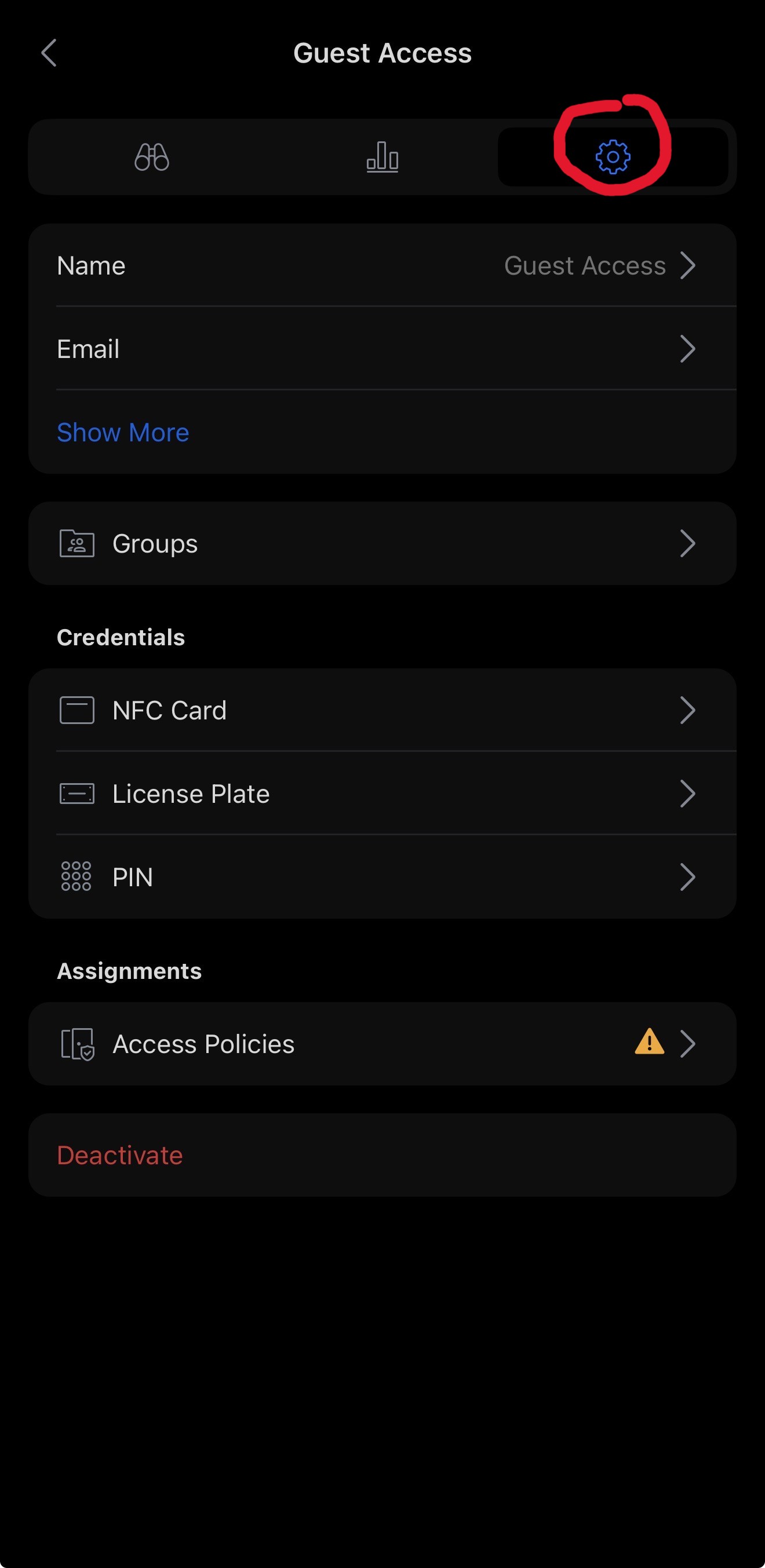
By selecting the user, you will be presented with a summary of their profile. To manage the user, navigate to the settings page by clicking the cog icon in the top-right corner of the page. This will open the settings for that user.
Towards the bottom of the settings page, you will see the Deactivate option.
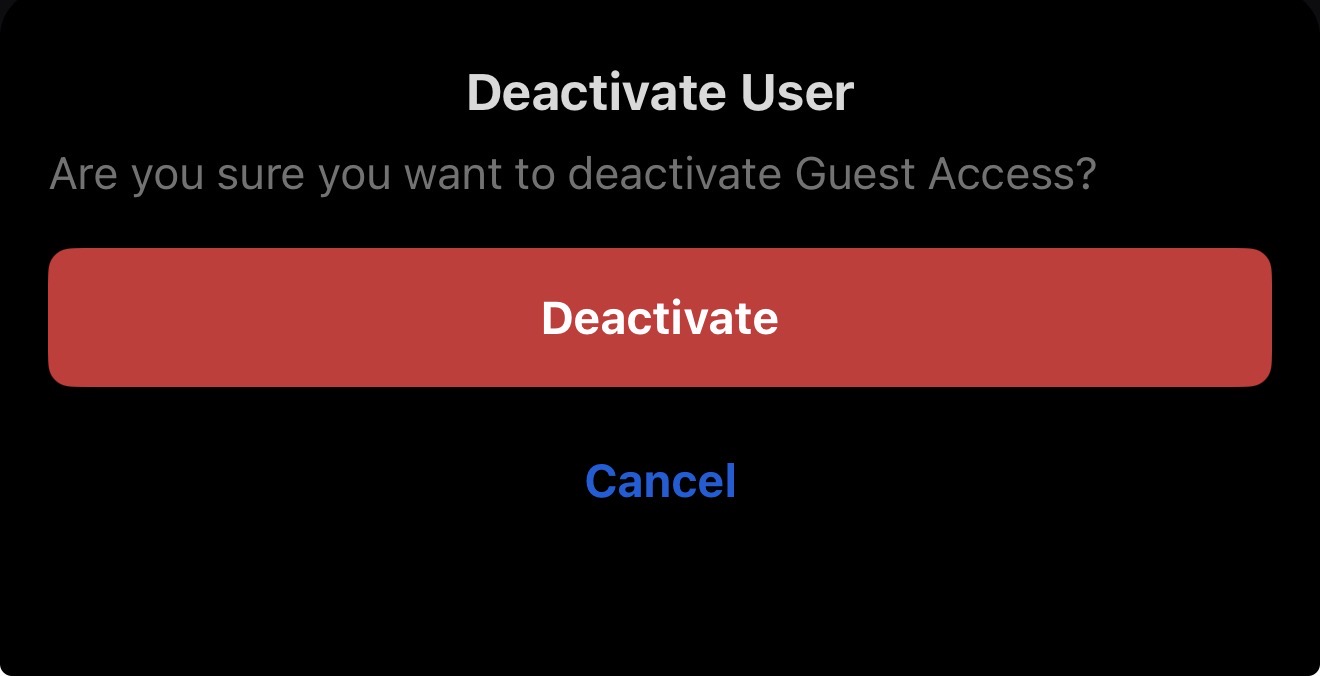
When selecting Deactivate, you will be required to confirm your choice before the user is deactivated.
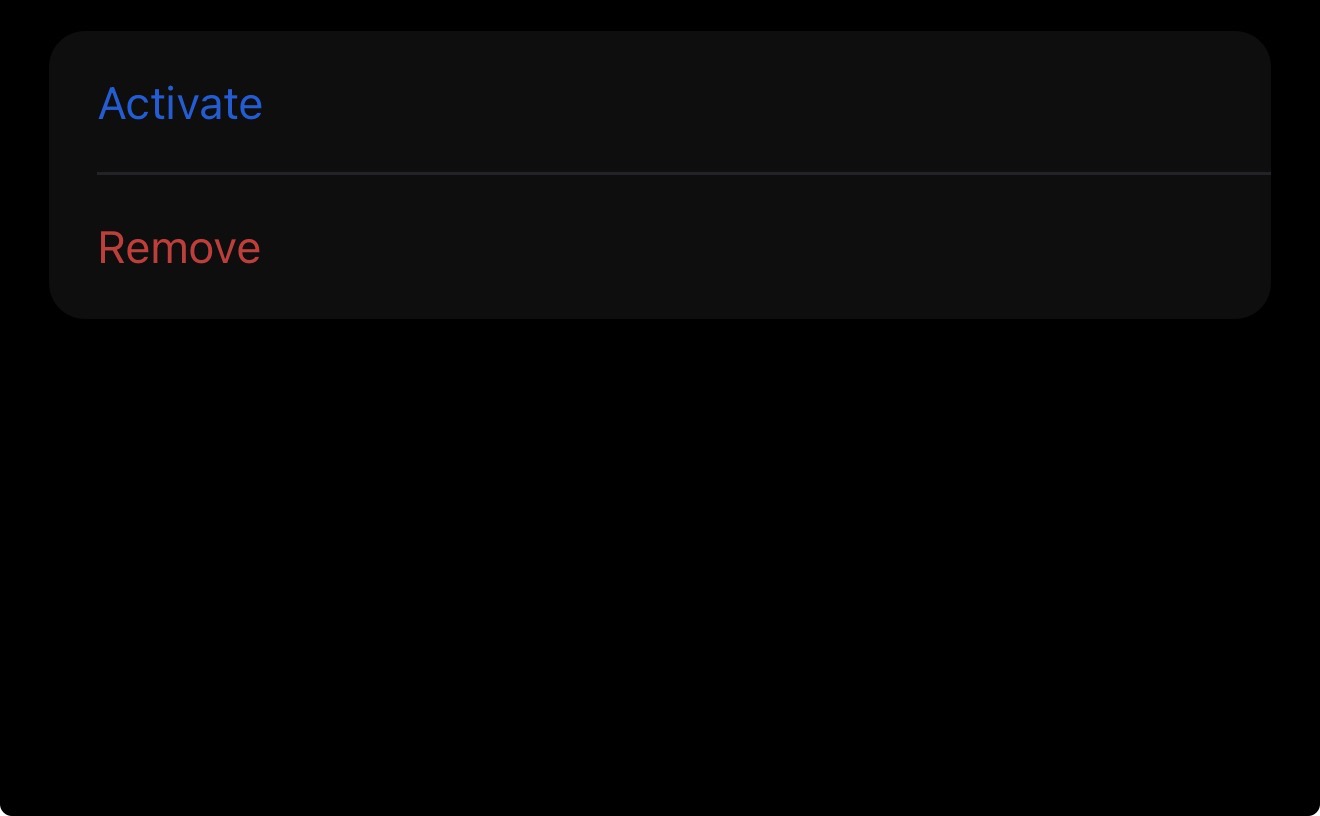
Once the user has been deactivated, you can either leave the profile in this state until it is needed again, or you will now be given the option to remove the user completely.
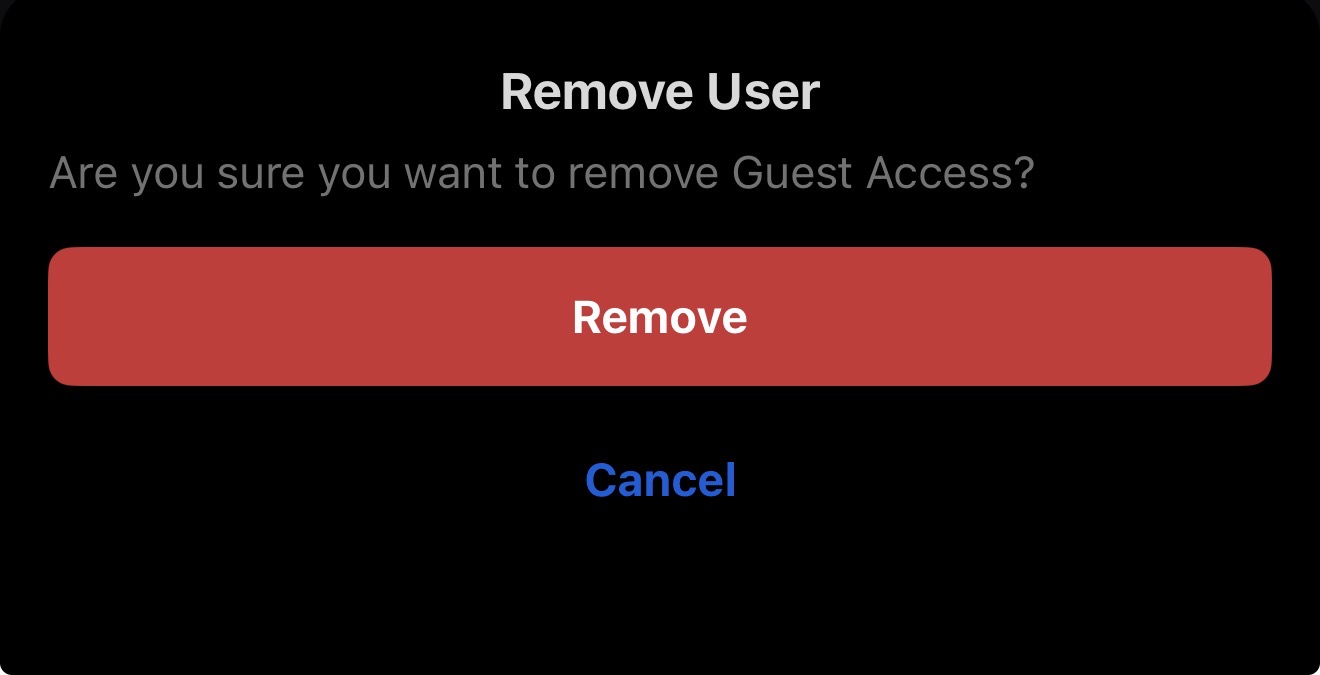
Again, you will be prompted to confirm before permanently deleting the user.
The user is now Deleted.